How Keynate works
Four steps from idea to a live website: your news site, blog, job portal or help center. Everything after payment is automatic.
Step 1 of 4
Pick a look
Choose what you want to run, then a design made for it: news by topic, a blog, a job portal or a help center.
- Open the live website demo of any design
- Try the real admin and the app demo too
- See the monthly price of each design
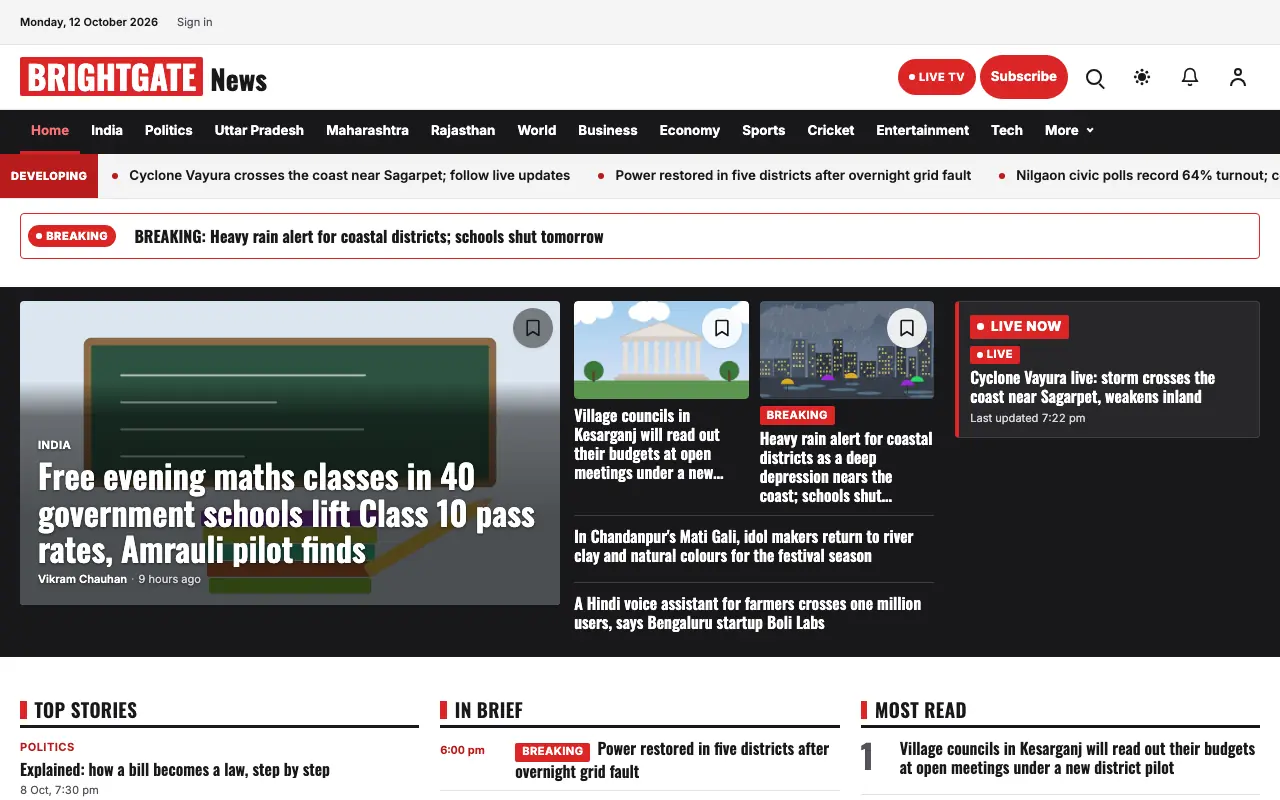 General News
Brightgate design on a laptop (demo content) Step 2 of 4
Make it yours
Type your site’s name and we check that it is free. Add your logo and main colour if you like, and pick your site’s language.
- A live preview shows your website and app as you type
- Your colour is applied to the site when it is built
- The logo and colour are optional
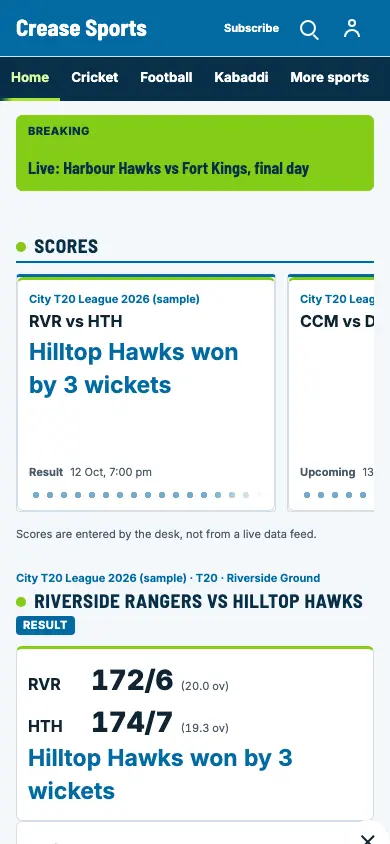 Sports News
Crease design on a phone (demo content) Step 3 of 4
Choose your plan and apps
Pick a plan, add any paid extras you want, and choose optional Android and iPhone apps, priced separately.
- One all-in monthly total, with your own secure server, shown before you pay
- Your price stays the same through checkout
- Pay online through Razorpay
On every plan
- Your website and its admin
- Your own secure server, used only by your business
- Backups and updates you approve
Optional, priced separately
- Android app and iPhone app, on your own store account
- Paid extras (add-ons), added any time
Step 4 of 4
Go live in minutes
After payment we build your website and its admin on your own server, automatically. It usually takes minutes.
- Your site opens on a free address first
- Connect your own web address when you are ready, with copy buttons and steps
- Start publishing from your admin right away
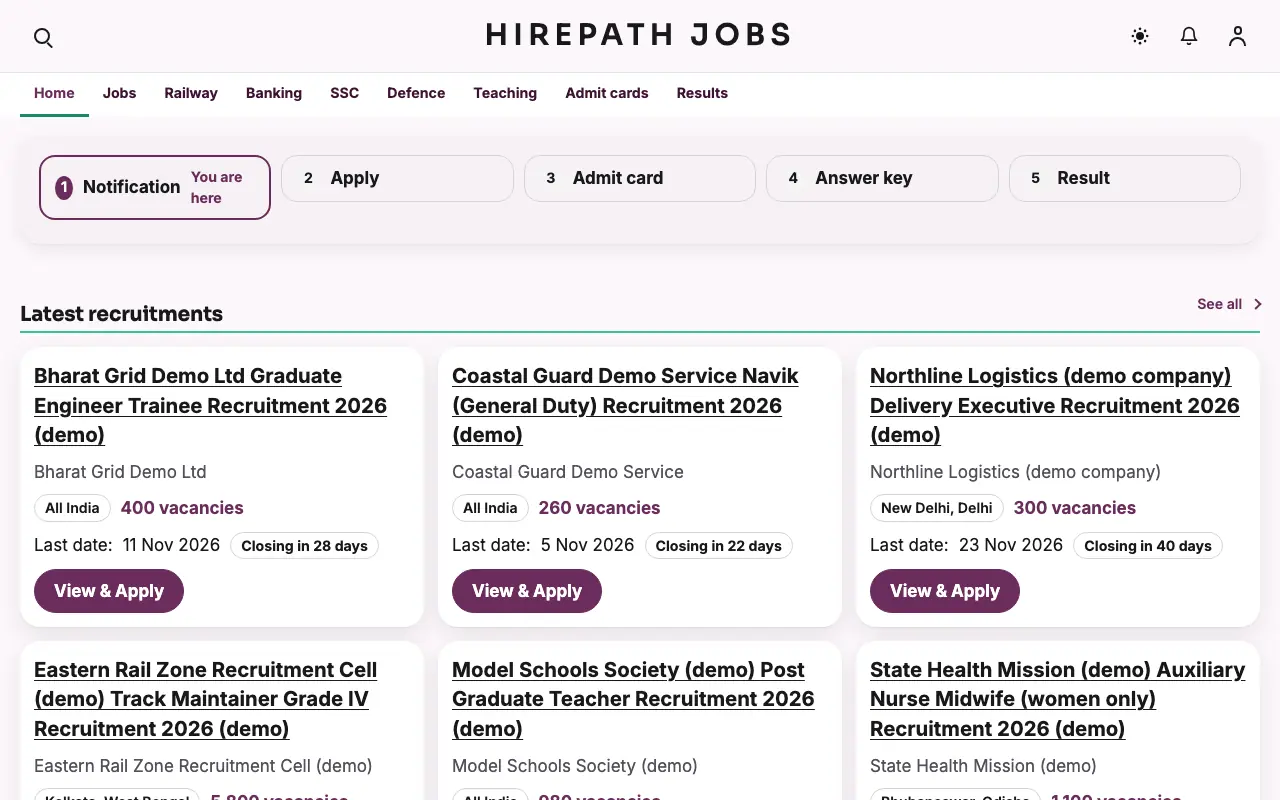 Jobs
JobsHirepath job portal design on a laptop (demo content)
After you go live
Updates you approve
Nothing changes until you say yes. A failed update rolls back by itself.
Undo any change
Every update, AI edit and design switch is saved as a version you can go back to.
AI in your admin
Ask the AI assistant to change your site in plain words, or to help fix a problem.
Common questions
More answers on pricing, refunds, apps, AI and support are on the FAQ page.
Do I need to be technical?
No. There is no coding. If you add your own web address, the only manual step is copying two settings into your domain account, with copy buttons and steps for each.
How long until I am live?
Building your website usually takes minutes after payment. If you add your own web address, its settings can take a little longer to reach everyone.
Do I need a web address?
No. Your website opens on a free address first. Add your own (like yournews.com) when you are ready. We show you how, step by step.
Why does the price depend on my country?
Prices are set per country. The price is locked to the country you visit from for the whole checkout: entering a billing address in another country never changes the amount or the currency. Your invoice follows your billing country.
Do I get mobile apps?
Yes, if you want them. Android and iPhone apps are optional, priced separately and published on your own store account. Your website is always included.
What if setup fails?
You get a full refund, automatically. If we cannot set up your site, you do not pay for it.