Keynate Support Center
Live nowA help centre for your customers, live in minutes
Guides, troubleshooters, release notes and known issues on a fast, searchable help site with your brand. Learn which articles help and what people could not find.
Who it’s for
Who Keynate Support Center is for
Software and app companies
Help hubs per product, release notes with RSS, known issues and a status pill from your status page.
Device and product makers
Step-by-step guides with platform tabs, troubleshooters that end in a fix and contact options per product.
Service businesses
Answers to common questions, how-to guides and a clear "Still need help?" panel.
Key features
Everything you need, built in
Every plan includes the core features below. Paid add-ons are optional and listed with their price when you choose your plan.
Help hubs and topics
One hub per product or service, each with its own topics, a hub switcher and a topic rail.
Search with insights
Type-ahead search, top queries and a list of searches with no results, each with a "Write article" action.
Troubleshooters
Question-and-answer guides that lead to the right fix or to your contact options.
Article feedback
"Was this helpful?" on every article, with reasons and scores in your admin. No sign-in needed.
Release notes and known issues
A changelog per hub with an RSS feed, plus known-issue banners and a resolved archive.
Contact options and status
Email, phone hours or a link to your own chat page, and your status page shown as a header pill.
Designs
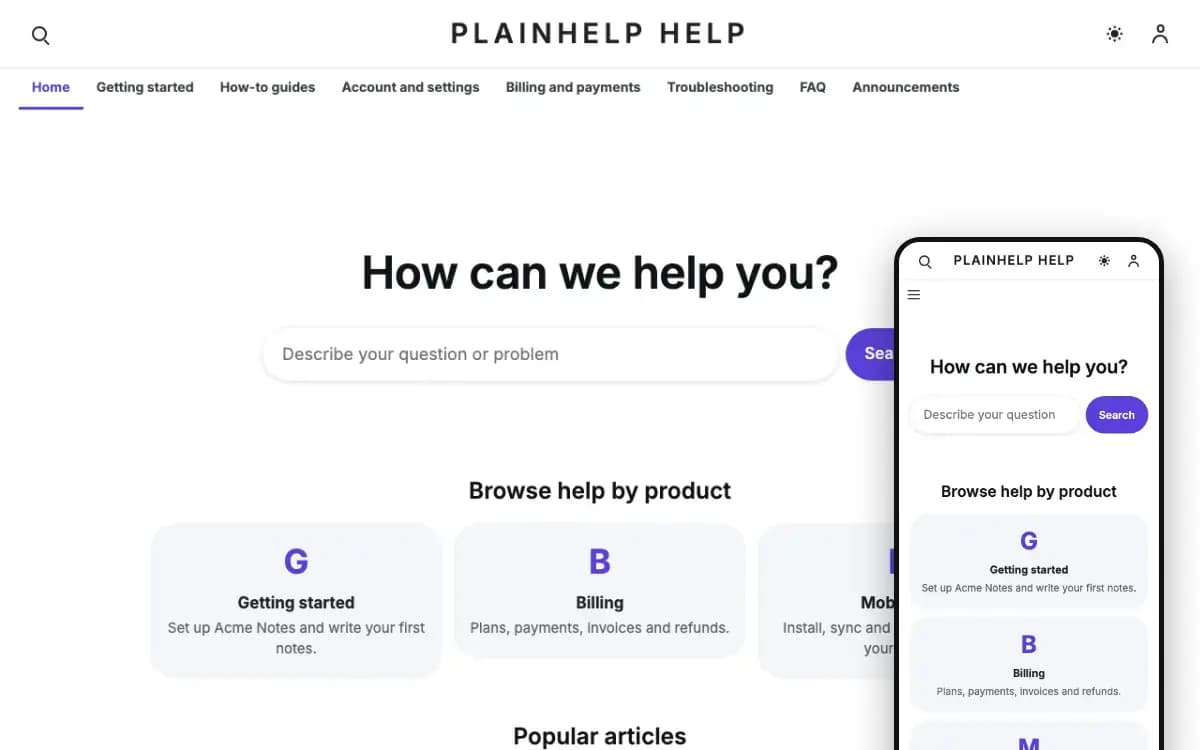
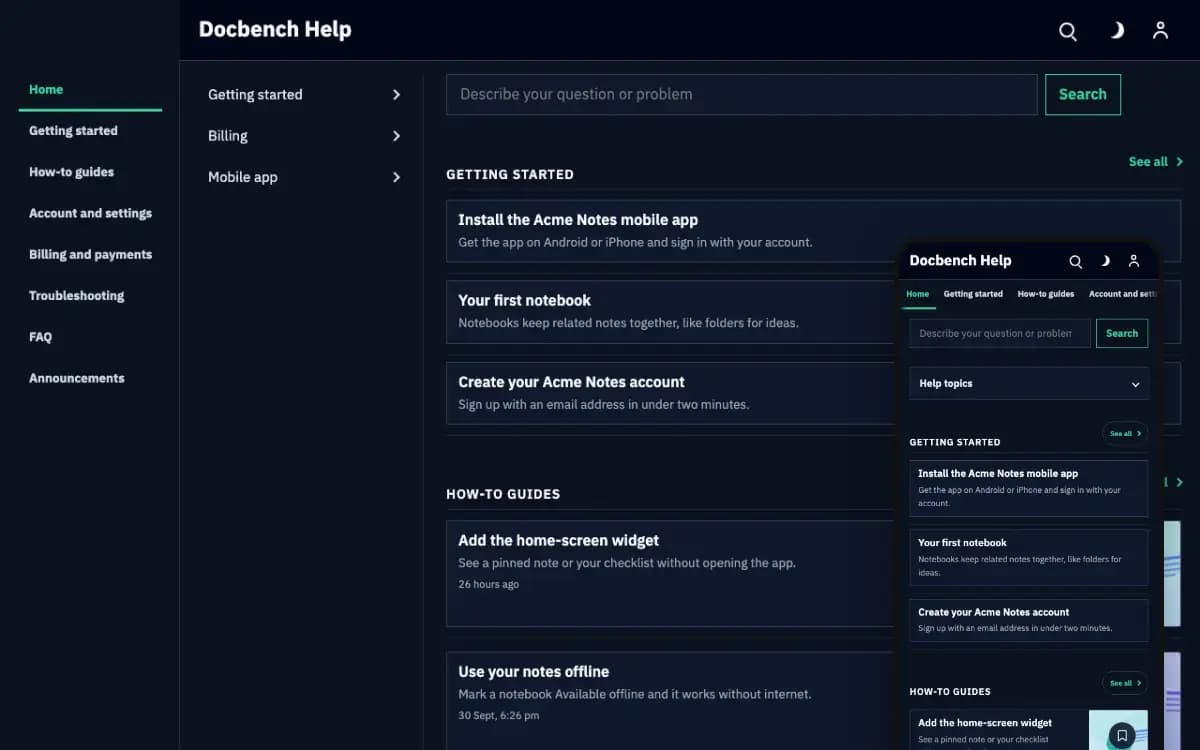
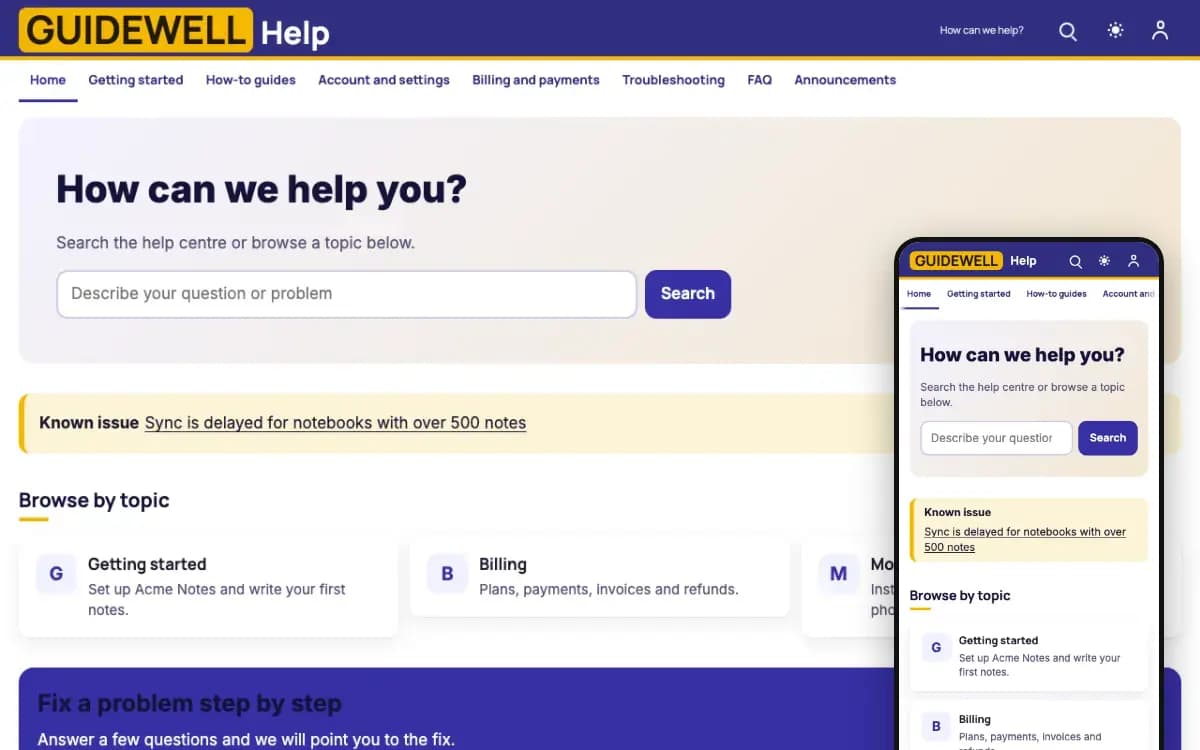
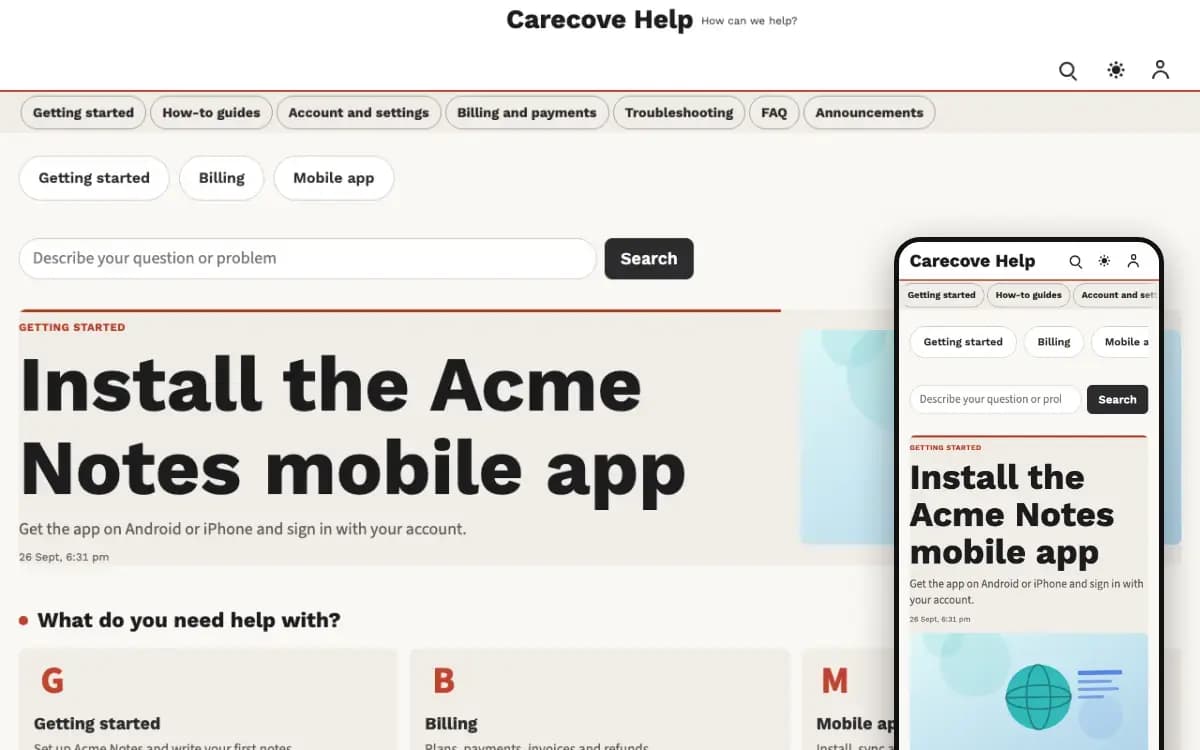
Designs for Keynate Support Center
Switch designs later without losing your content.
How it works
Live in four steps
Step 1
Pick a design
Choose the design you like. You can switch later without losing content.
Step 2
Choose a plan
Every plan has the core features; add paid features only if you need them.
Step 3
Choose a server and pay
Pick a server size for your expected visitors and pay securely.
Step 4
Connect your domain
Point your domain and Keynate installs, secures and runs your site.
FAQ
Questions people ask
Can I document more than one product?
Yes. Each product gets its own help hub with its own topics; customers switch between hubs from the header.
Can I show my service status?
Yes. Set the status by hand or connect a supported status page (Statuspage, Instatus or Better Stack). It is read on the server every few minutes.
Do I need a developer or my own server?
No. You pick a design, a plan and a server size, pay, and connect your domain. Keynate sets up the server, installs everything and keeps it updated.
Can I change the design later?
Yes. Your content is kept separate from the design, so you can switch to another design of the same product without losing posts, pages or settings. Every change can be undone.
How are updates handled?
You see each update before it is installed and choose when it runs. If a health check fails after an update, your site goes back to the previous version automatically.
Are Android and iOS apps included?
Your website is always included. Android and iOS apps are optional, with their own monthly price, and you can add them at checkout or later.
Launch your help centre today
Pick a design, choose a plan and a server size, pay, and connect your domain. Keynate installs and runs the rest.