Keynate Blog
Live nowA blog or business website, live in minutes
Write posts, show your services and share client stories on a fast website you own. Pick a design, connect your domain and start publishing.
Who it’s for
Who Keynate Blog is for
Local businesses
Shops, clinics, salons, coaching centres and restaurants: services, hours, map, call and WhatsApp buttons.
Companies and brands
Service lines, case studies, client stories, a blog hub and a contact form for enquiries.
Professionals
Doctors, lawyers, accountants, coaches and consultants: about, services, testimonials and articles.
Creators and writers
Reading-first posts, series, a link-in-bio page and a newsletter box when you add newsletters.
Key features
Everything you need, built in
Every plan includes the core features below. Paid add-ons are optional and listed with their price when you choose your plan.
Posts, topics and series
A writing desk with drafts, scheduling, topics, tags, authors and multi-part series.
Services, case studies and testimonials
Ready-made pages for what you offer, the results you delivered and what clients say (published only with their consent).
Business profile
Name, address, phone, hours and service area entered once and shown in the header, footer and contact page, with matching structured data.
Link in bio
One mobile page with your links, your latest post and a newsletter box.
End-of-post call to action
A card after every post: call, WhatsApp, a lead form or a newsletter sign-up, based on the features you own.
Search-friendly by default
Clean URLs, sitemaps, structured data and fast pages. How search engines rank your site is up to them.
Designs
Designs for Keynate Blog
Switch designs later without losing your content.
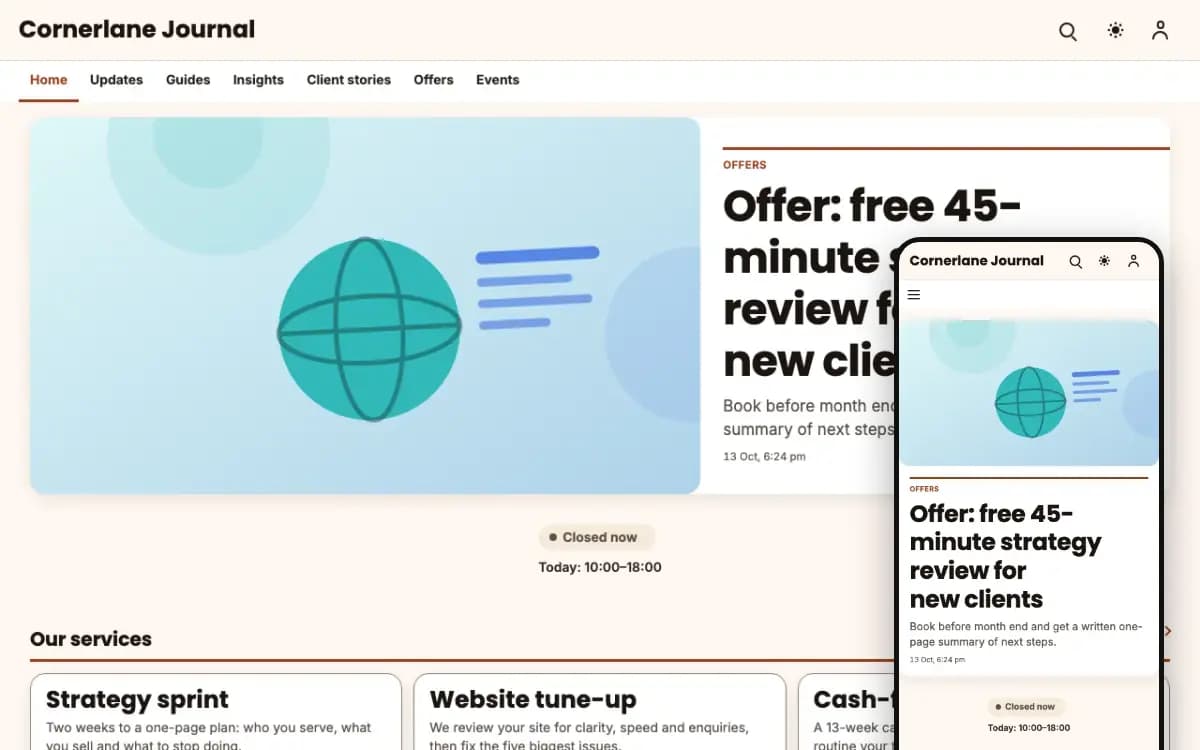
Cornerlane
A website for a local business
Start with Cornerlane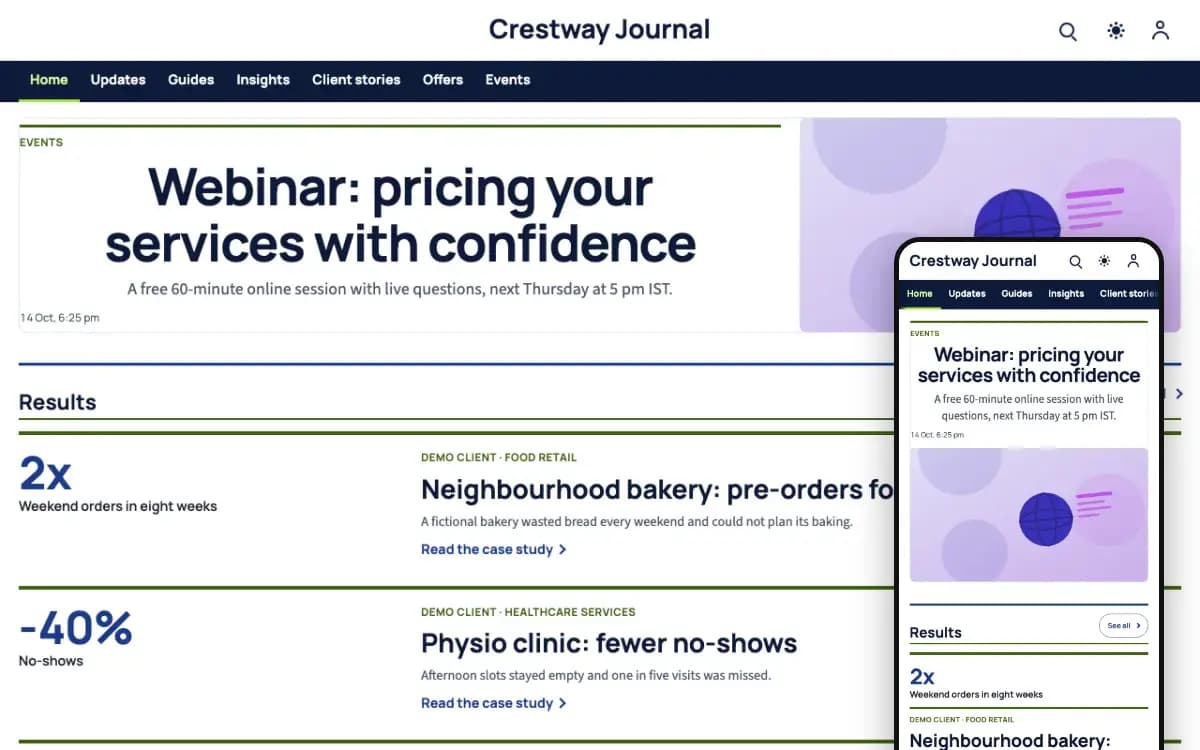
Crestway
A brand and SME website
Start with Crestway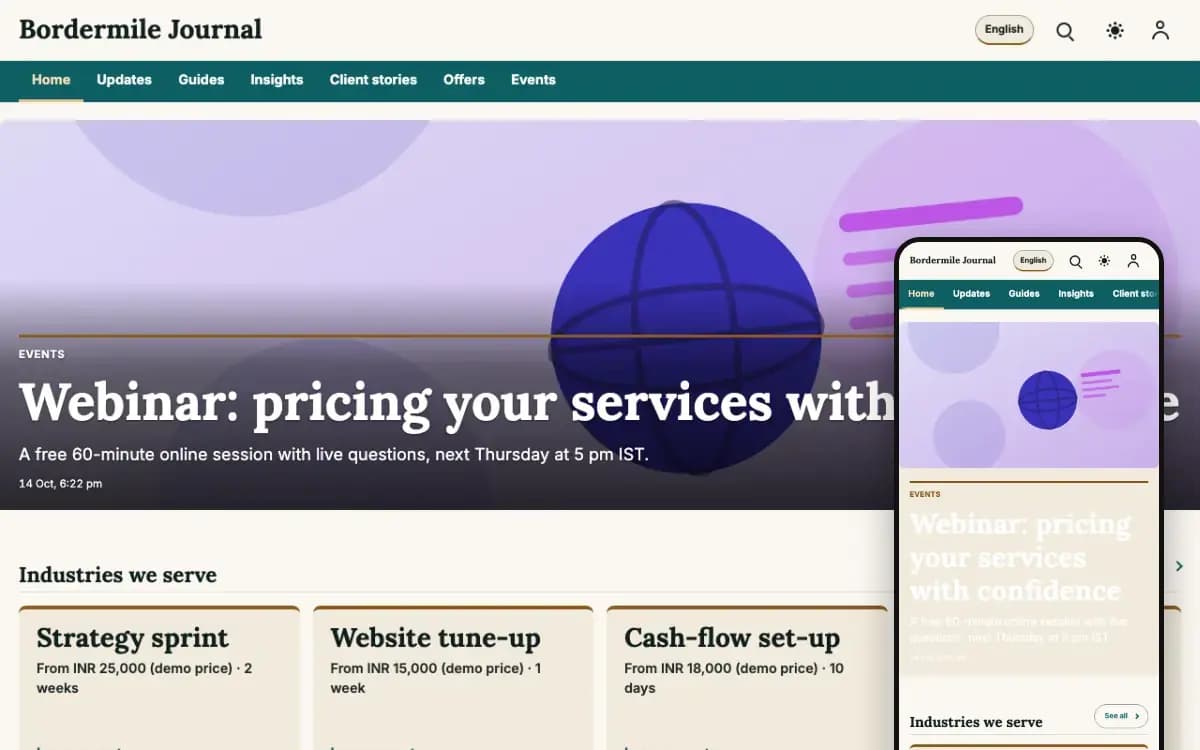
Bordermile
An international business website
Start with Bordermile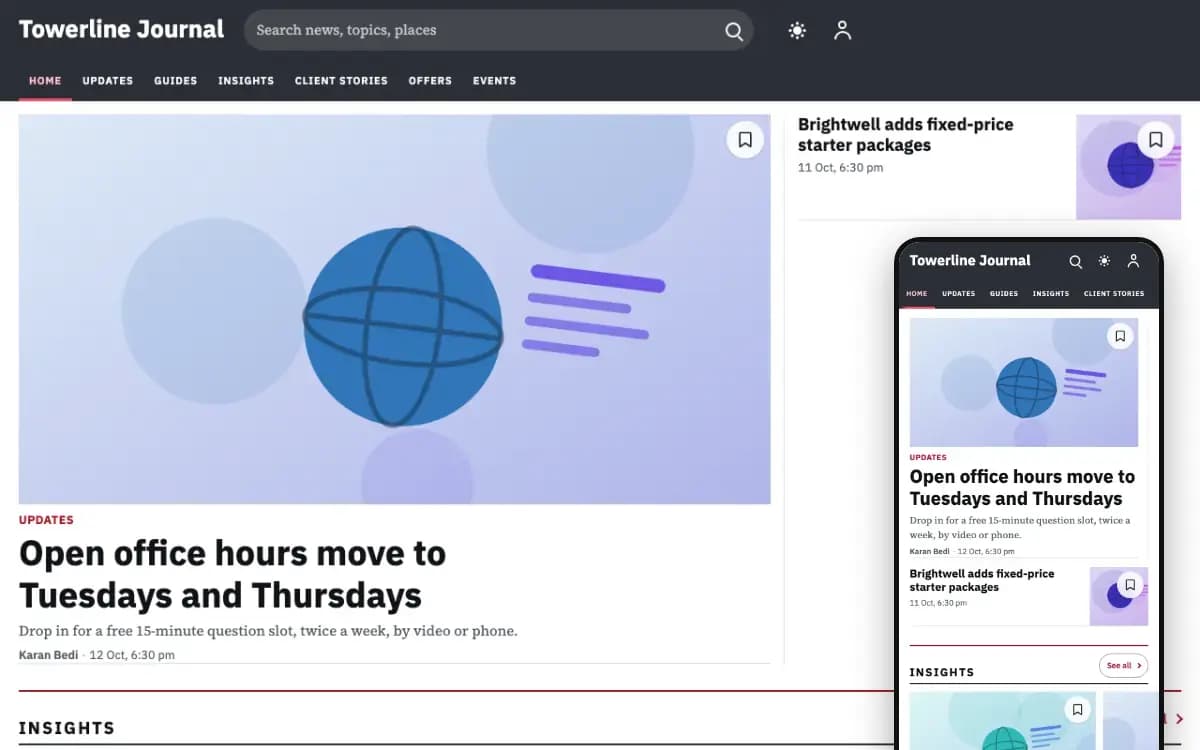
Towerline
A corporate newsroom
Start with Towerline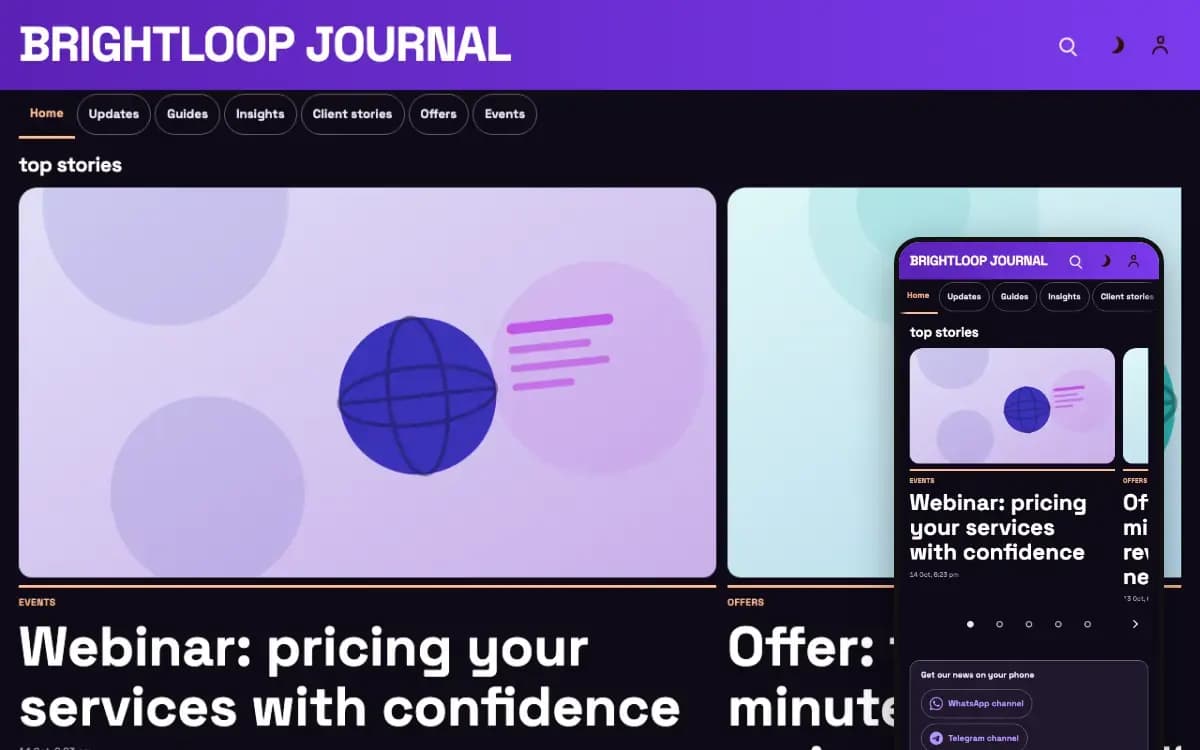
Brightloop
A creator website, dark-first
Start with Brightloop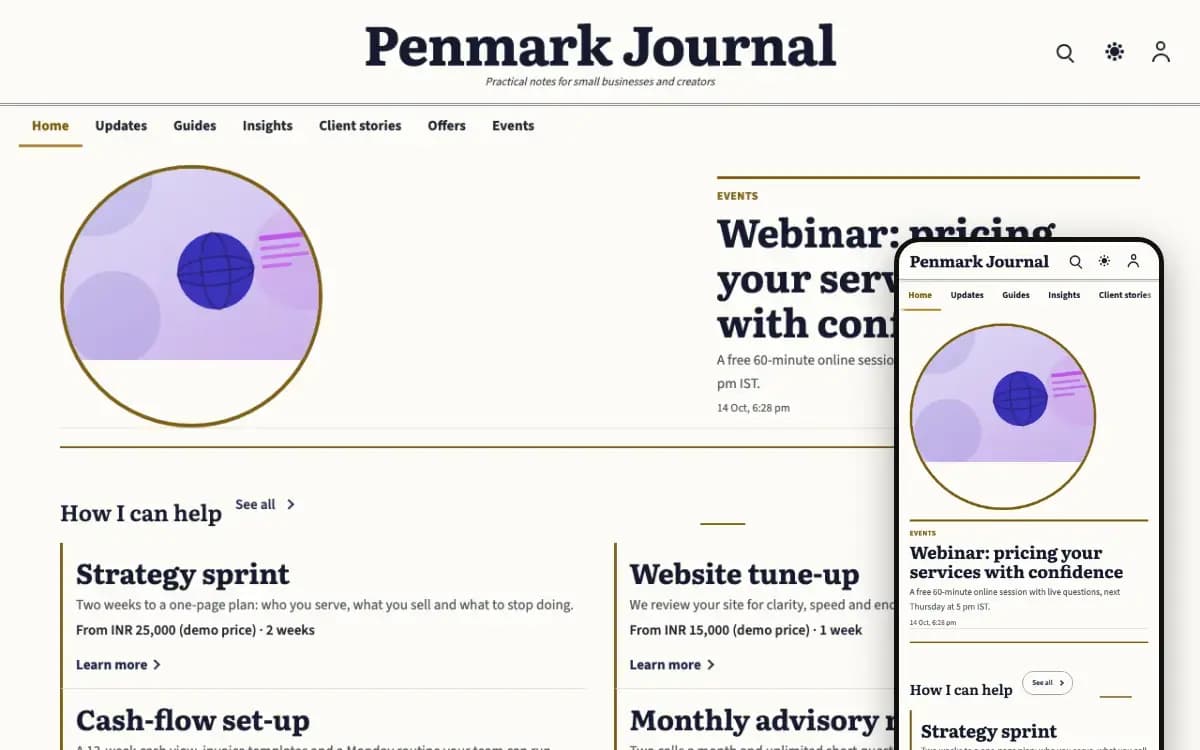
Penmark
A personal-brand website for professionals
Start with Penmark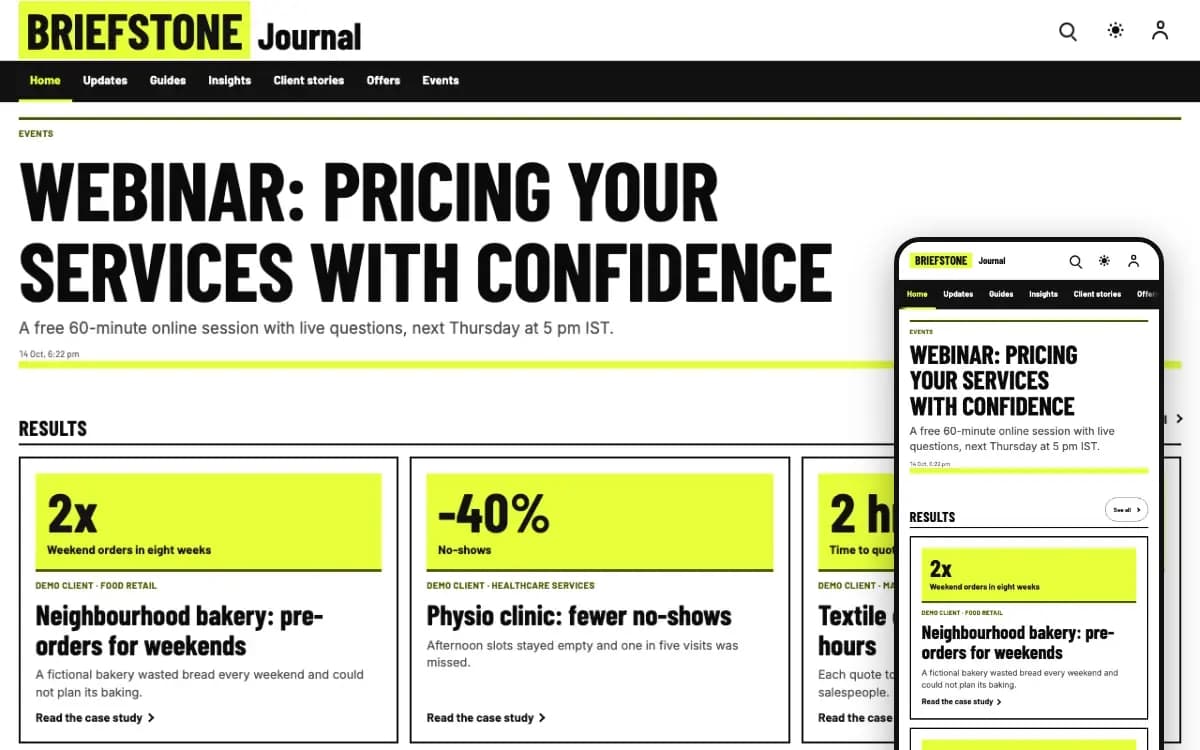
Briefstone
A bold consultant and agency website
Start with Briefstone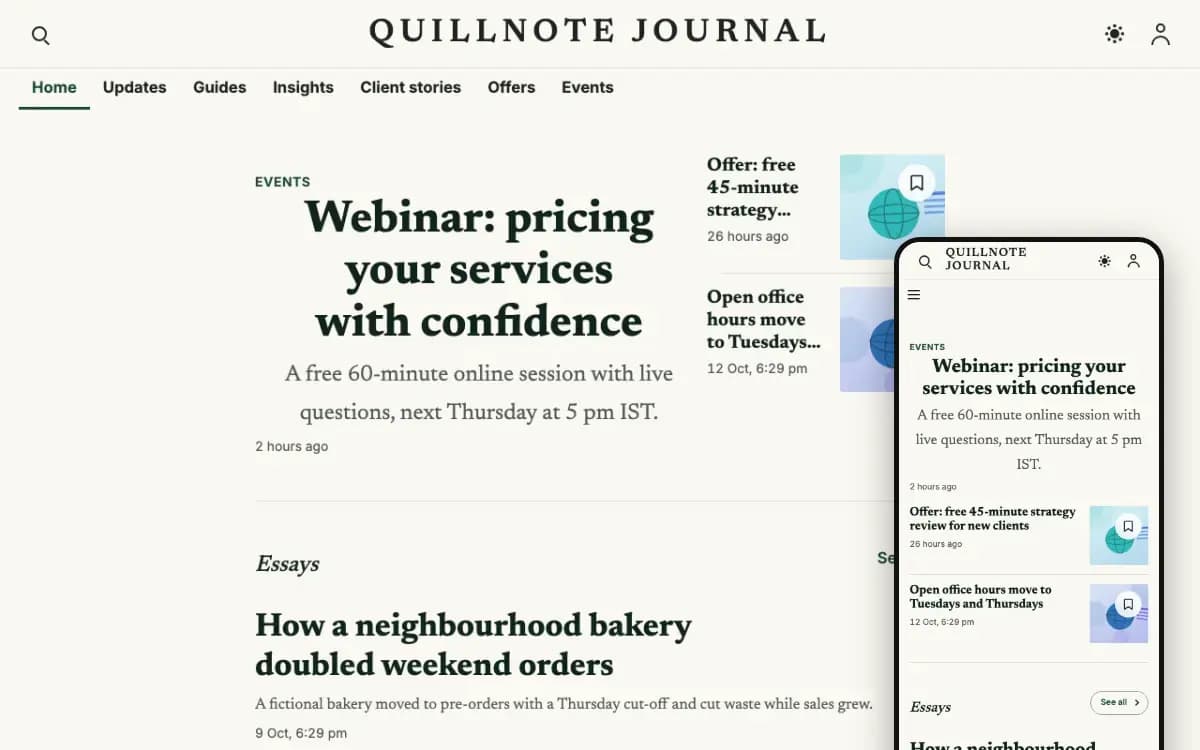
Quillnote
A reading-first website for writers
Start with Quillnote
How it works
Live in four steps
Step 1
Pick a design
Choose the design you like. You can switch later without losing content.
Step 2
Choose a plan
Every plan has the core features; add paid features only if you need them.
Step 3
Choose a server and pay
Pick a server size for your expected visitors and pay securely.
Step 4
Connect your domain
Point your domain and Keynate installs, secures and runs your site.
FAQ
Questions people ask
Is it for a personal blog or a business site?
Both. When you set up the site you choose who it is for (for example a local business, a professional or a writer) and it starts with the right pages and sections.
Can I take enquiries or sell services?
Service pages show your price as text and a contact button. Lead forms and newsletters are paid add-ons you can choose in your plan.
Do I need a developer or my own server?
No. You pick a design, a plan and a server size, pay, and connect your domain. Keynate sets up the server, installs everything and keeps it updated.
Can I change the design later?
Yes. Your content is kept separate from the design, so you can switch to another design of the same product without losing posts, pages or settings. Every change can be undone.
How are updates handled?
You see each update before it is installed and choose when it runs. If a health check fails after an update, your site goes back to the previous version automatically.
Are Android and iOS apps included?
Your website is always included. Android and iOS apps are optional, with their own monthly price, and you can add them at checkout or later.
Launch your blog site today
Pick a design, choose a plan and a server size, pay, and connect your domain. Keynate installs and runs the rest.